For companiesOn a computer
On a computerResults in presentation view and the remote
Show the poll on the screen in the room and control it from a tablet.
Steps
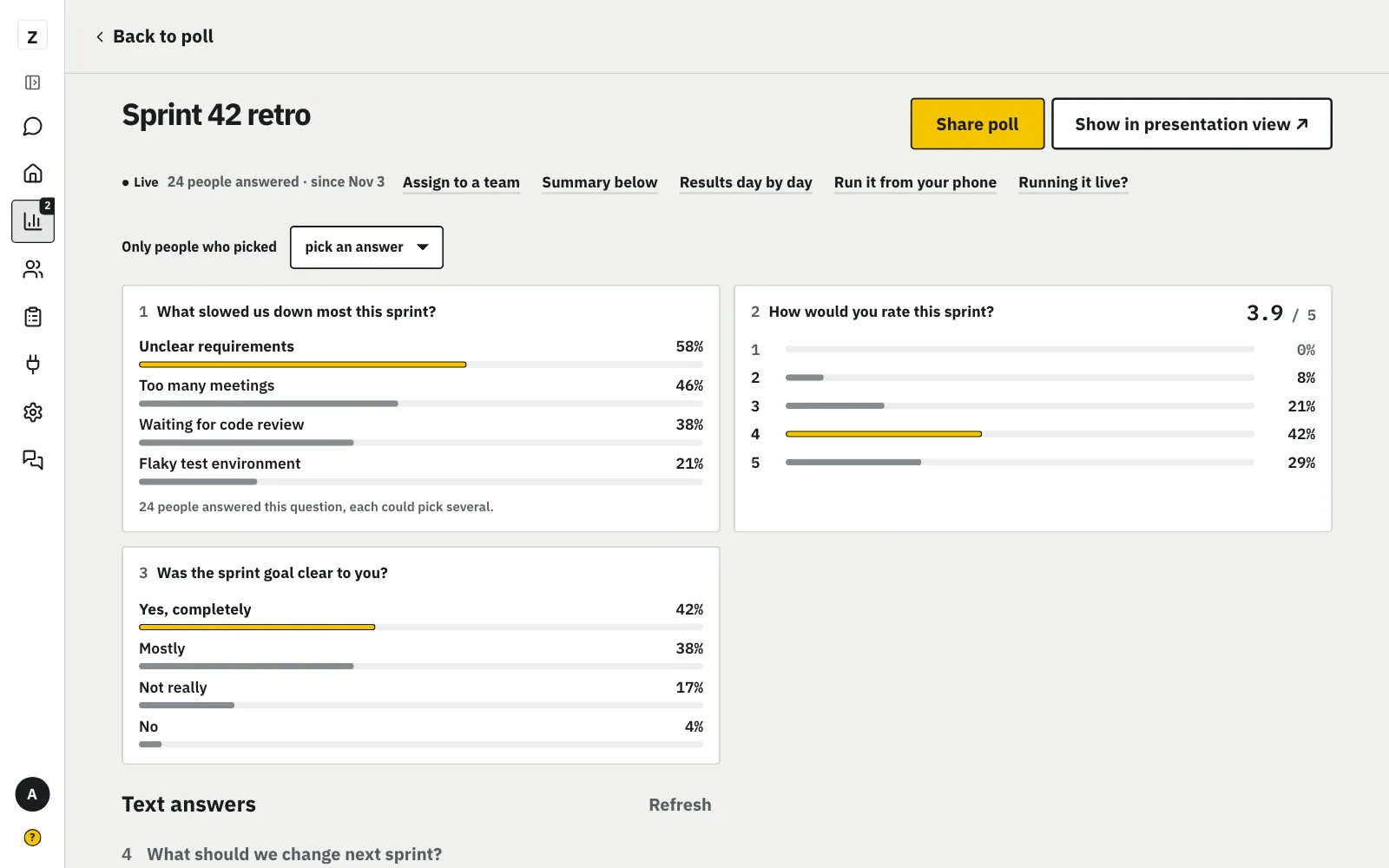
Click “Show in presentation view” to open the poll full screen and show it to the room.
MoreLess: Tap “Show in presentation view”
You don't need a projector: it's the poll full screen in a new tab. Show it in the room: drag the tab to the TV or projector, or share your screen. One talk or one place? First pick its tag above the results: presentation view shows its QR code and only its results.
The room scans the code on screen, and you switch questions with the arrow keys.
MoreLess: People scan and answer
Presentation view shows a QR code and an answer counter. The arrow keys switch questions. In Chrome on a computer, the “Mini window” button at the bottom opens a small window that stays on top of PowerPoint, Keynote or Zoom. It has the question, the counter and the arrows. The button bar at the bottom stays on screen: ⌄ hides it, ⌃ brings it back.
Click “Run it from your phone” and scan the code with a tablet, but never show that code in presentation view.
MoreLess: Remote on a tablet or phone
Click “Run it from your phone” by the poll: the Remote page opens with three stages: Presentation view, Phone and All set. Presentation view: click “Open presentation view”. Phone: click “Show the code”, then scan the QR or type the 6 digits on the /pilot page, no signing in. A finished stage gets a ✓ and “Next” works once the step has worked; you can also click a stage at the top. The code lasts 10 minutes and works once. Don't show it in presentation view or a shared screen. If the phone says “Waiting for presentation view”, open presentation view on the computer. The phone connects by itself.
From the remote you decide when the room sees the results.
MoreLess: Show the results when you want
“Next” and “Previous” always sit at the bottom of the remote. The “Show results in presentation view” switch decides when the room sees the results, and tapping a question in the list jumps straight to it.