For companiesOn a computer
On a computerSaved questions
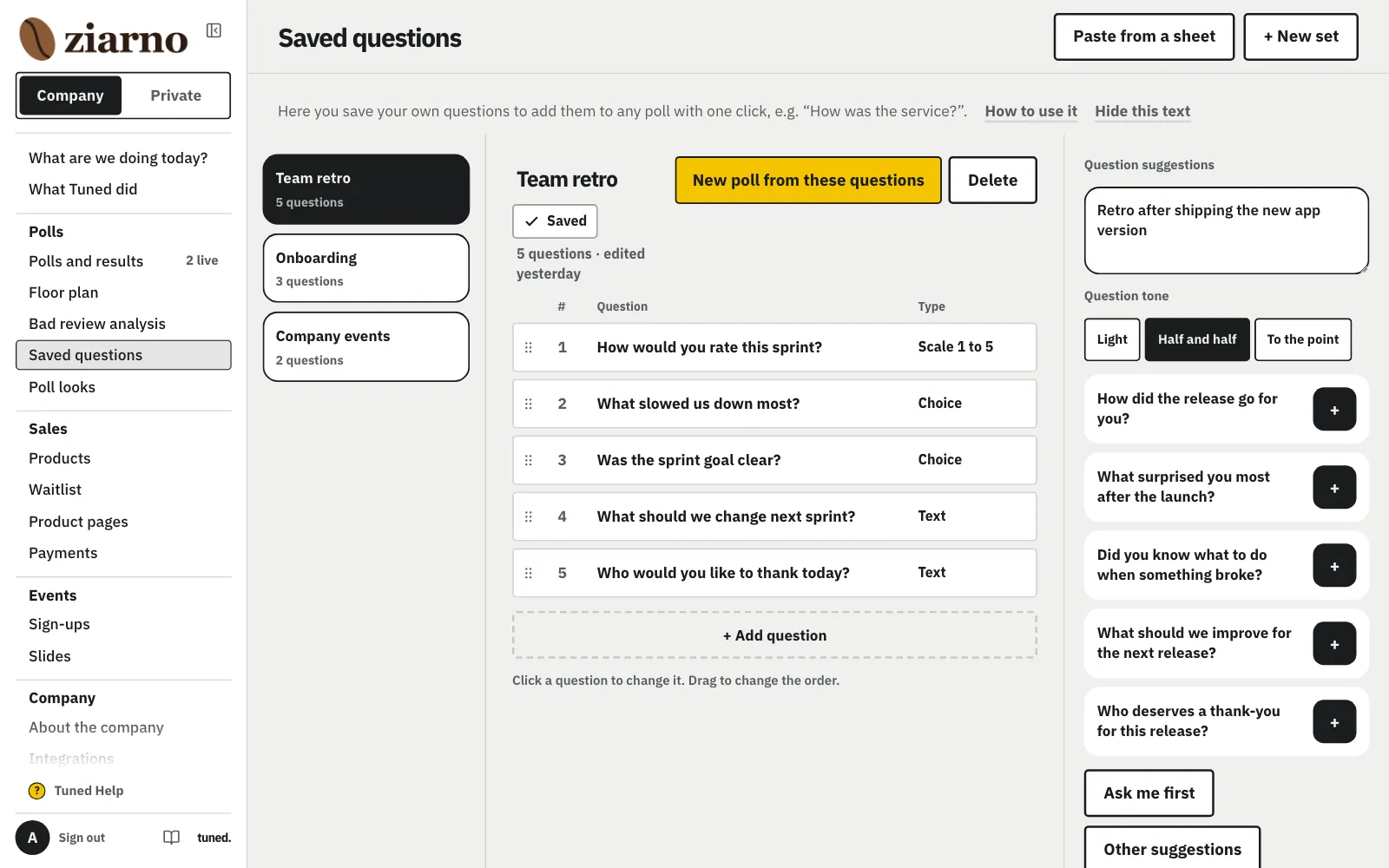
Your own question sets for polls. Type them yourself, paste from a spreadsheet or ask the AI.
Steps
Tap “+ New set” to keep your own questions at hand for any poll.
MoreLess: Create a set
Tap “+ New set” and give it a name, e.g. “Onboarding”.
Paste rows from Excel or Google Sheets: the question, with the answers beside it.
MoreLess: Paste from a spreadsheet
Copy rows from Excel or Google Sheets: the question, then the answers in the next cells.
Describe the topic and pick a tone. The host asks a few things, then you add suggestions with the + button.
MoreLess: Question suggestions
Describe what you want to ask and pick a tone. “Ask me first” asks a few short questions about the goal and the audience; “Show suggestions” skips them at any moment. Add suggestions to the set with the + button. Your answers stay with the set on this device, and questions close to ones you already have don't come back.
Your set opens straight away in a new poll.
MoreLess: Use it in a poll
The set opens right away in a new poll.