For companies
A workshop with sign-ups, step by step
From a new event to the list of who signed up: link, QR code, Story text and a mail for every sign-up. Shown on Pracownia Glina, a ceramics studio.
Steps
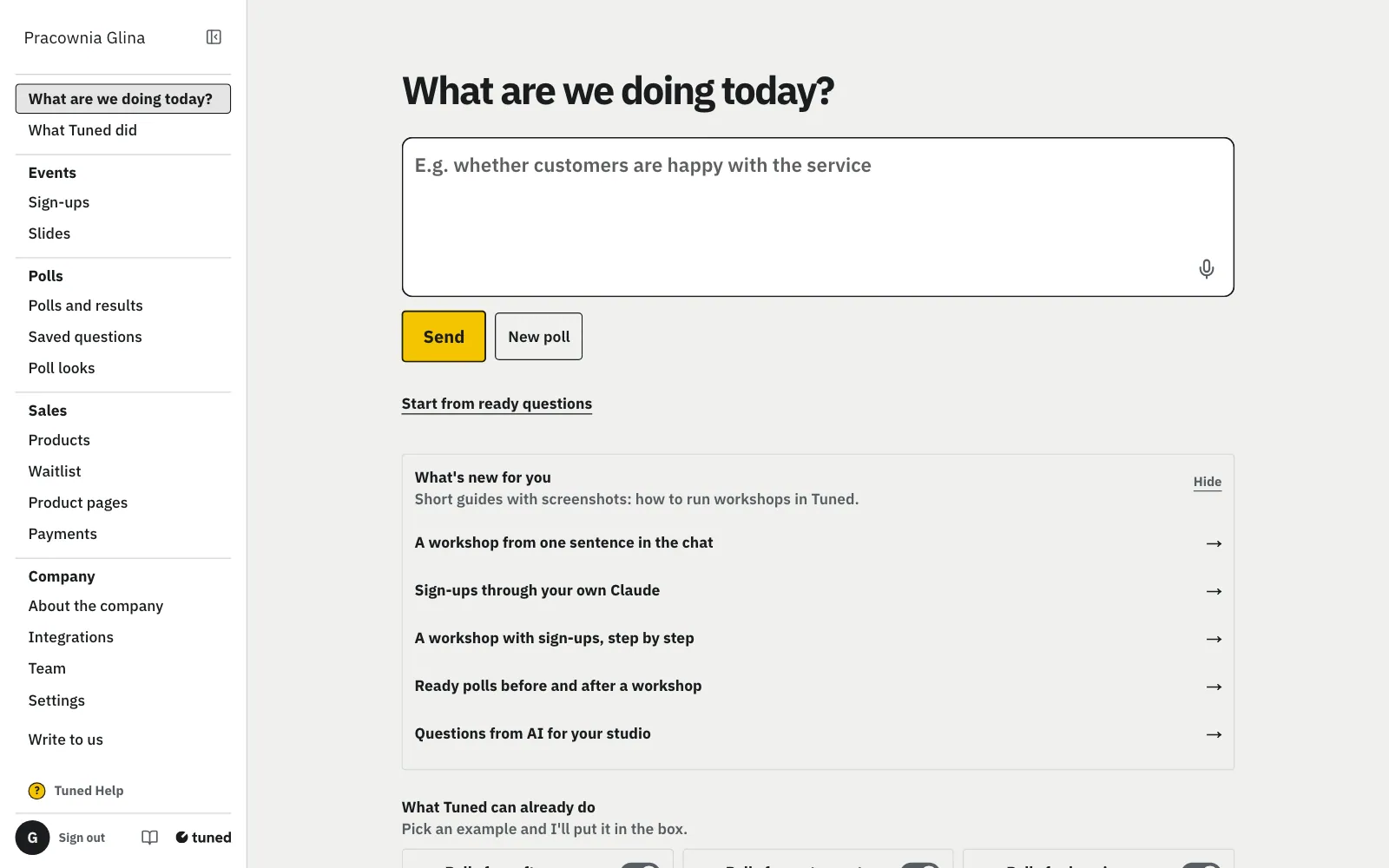
Sign-ups sit in the menu under Events: click it, then “New event”.
MoreLess: Open “Sign-ups”
A company that came to Tuned for events has this section at the top of the menu. Each event has its own link, its own sessions and its own list of people.
Enter the date, the place and a short description, then click “Next”.
MoreLess: Describe the workshop
Change the title with the pencil next to it at the top. In the description, say what guests will do and what the price covers, e.g. “Clay, glaze and firing included”. Every change saves itself, so you can come back later.
A session is the hours and the number of seats; an option is what the guest picks, with a price.
MoreLess: Add sessions and prices
Pracownia Glina runs 2 sessions on Saturday with 8 seats each: morning and afternoon. Seats count themselves: a full session can't be picked. The price is plain text, e.g. “220 zł”.
A link to your terms is optional; write what the guest reads after signing up instead.
MoreLess: No terms needed
Without terms, guests sign up with no consent box. Have terms on your website? Paste the link and guests accept them when they sign up. In “What a guest reads after signing up”, write e.g. your bank account for the payment and what to bring: it goes into the “You have a place” mail.
Click “Publish”: you get the link, a QR code and ready text for a Story.
MoreLess: Publish and share
“Copy link” goes into a message, your Instagram bio or a post. “Download QR” saves just the code as a picture for a flyer. “Download A4 poster” gives a poster to print: logo, title, day and place, seats and price, a big QR code and “Scan to sign up”. Put it up in the studio. Copy the Story text on its own and paste the link into a “Link” sticker.
The guest opens the link on a phone, sees the free seats and taps “Sign me up”.
MoreLess: What the guest sees
They give a name, e-mail and phone, then confirm with a click in the mail. The seat waits 30 minutes for that. Once confirmed, they get the “You have a place” mail with your note and a button for their calendar.
After each confirmed sign-up you get a mail: who, their contact, the session and the free seats.
MoreLess: A mail for every sign-up
The mail goes to the company account's address. A reply goes straight to that person. “See the sign-up list” opens the list in the panel.
Tick “Paid”, download the list or send the link with its QR code again.
MoreLess: The list of who signed up
At the top you see the seats taken in each session. “Sign-up link and QR code” above the list opens the link, the code and the Story text when you want to send them again. “Download the list” gives you a spreadsheet file. Removing a sign-up frees the seat and deletes that person's data at once.